Smart LCD Touch 4.3"
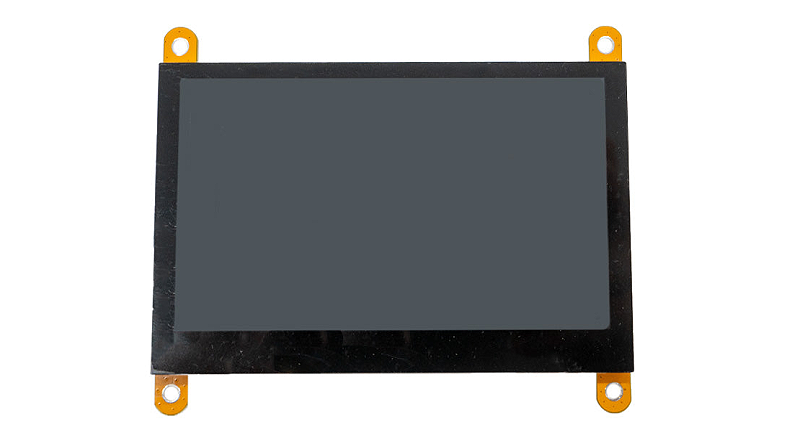 Top view
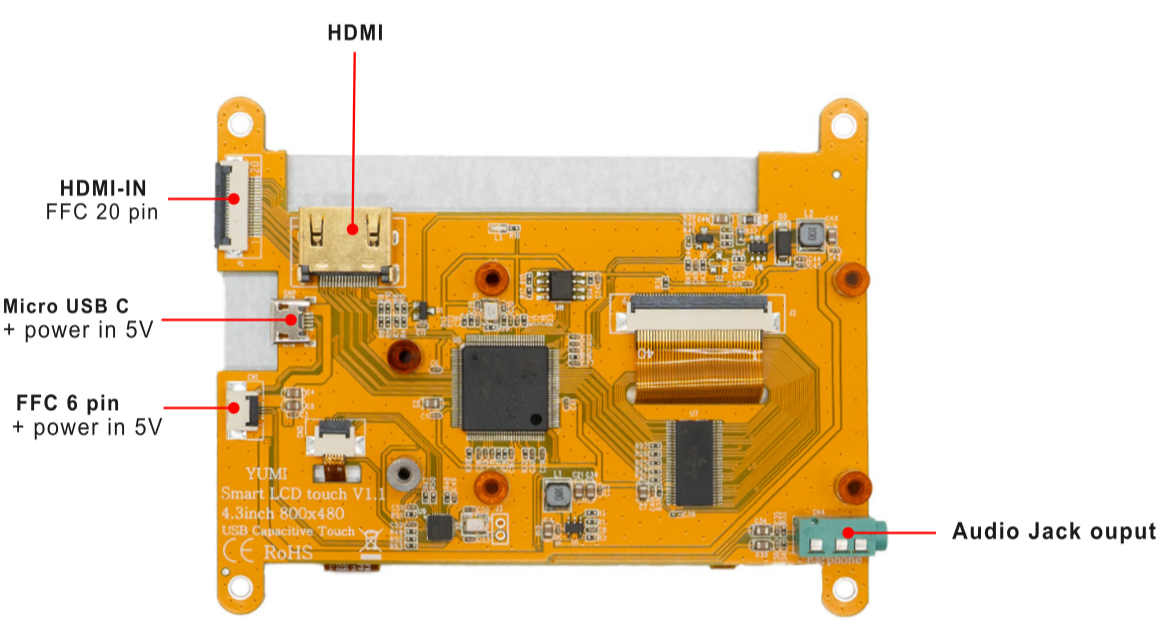 Bottom view
1. Overview
The Smart LCD Touch 4.3" is an 800×480 capacitive touchscreen that plugs straight onto the Smart Pi One over the 20-pin (video) and 6-pin (touch) FFC connectors. It also works as a general-purpose HDMI monitor for a computer, TV box, or game console — so the same screen serves both your Smart Pi projects and your desk.
2. Key features
- 4.3" display, 800×480 native resolution (HDMI input accepts up to 1920×1080)
- Capacitive touch — single-point on the Smart Pi One / older systems, 5-point on Windows ⅞/10 (driver-free)
- Broad board compatibility: Smart Pi One, Raspberry Pi, Orange Pi, Nano Pi, Banana Pi
- Doubles as an HDMI monitor: PC, TV box, Xbox 360, PS4, Nintendo Switch…
- HDMI audio output and adjustable backlight brightness
- CE / RoHS certified
3. Specifications
| Screen size | 4.3 inches |
| Resolution | 800×480 |
| Touch | Capacitive, single-point |
| Video input | 1× HDMI, or 1× FFC 20-pin |
| Audio | 3.5 mm jack, or over HDMI |
| Power / USB | Micro USB-C, or FFC 6-pin (USB touch) |
| Included cables | FFC 20-pin and 6-pin |
| Operating temperature | −10 °C to +40 °C |
| Product size | 106.0 mm × 85 mm |
| Weight | 88 g |
4. Use as a PC monitor
- Connect the computer's HDMI output to the LCD's HDMI port with an HDMI cable.
- Connect the LCD's Micro USB-C (touch) port to a USB port on the computer.
5. Use with the Smart Pi One
- Connect the Smart Pi One's HDMI output to the LCD's HDMI-IN port using the FFC 20-pin cable.
- Connect the touch interface to the LCD's USB touch port using the FFC 6-pin cable.
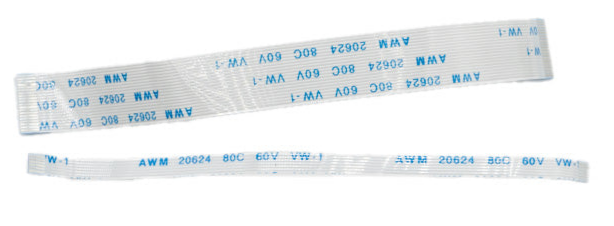 FFC 6-pin and 20-pin connectors
6. Board dimensions
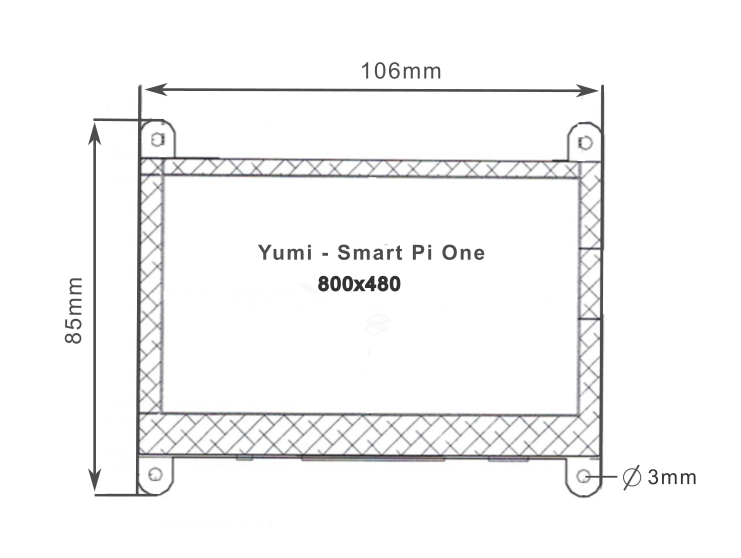 Board dimensions