Operating Systems for Smart Pi One
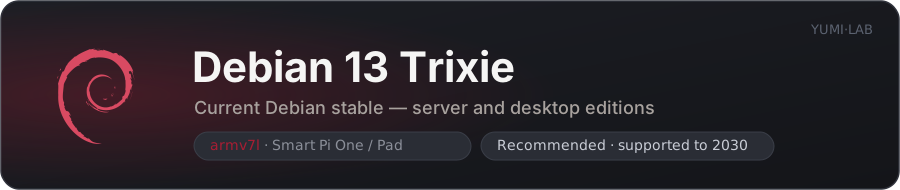
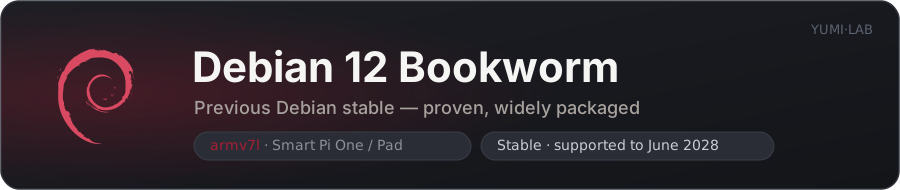
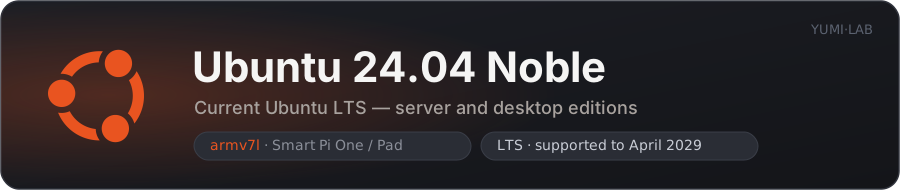
The Smart Pi One and Smart Pad run a full 32-bit ARM Linux (Allwinner H3 / armv7l). YUMI-LAB builds and publishes every image on this page: five stable Armbian-based Debian and Ubuntu releases in server and desktop editions, a Debian 14 preview, and a minimal DietPi variant for boards where the 1 GB of RAM is the limiting factor.
All of them share the same hardware stack — our overclocked kernel, our U-Boot, our device tree — so you can move from one to another without changing anything about the board.
1. Available images
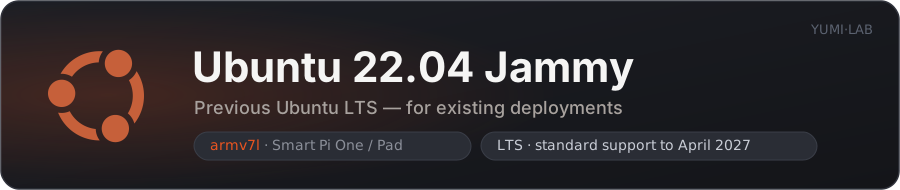
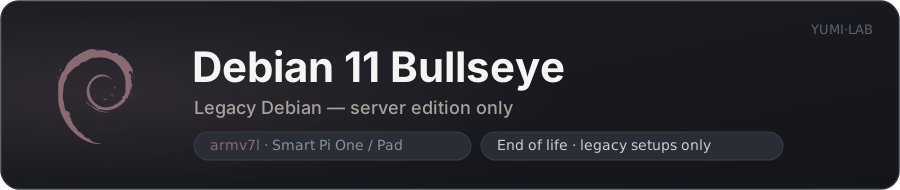
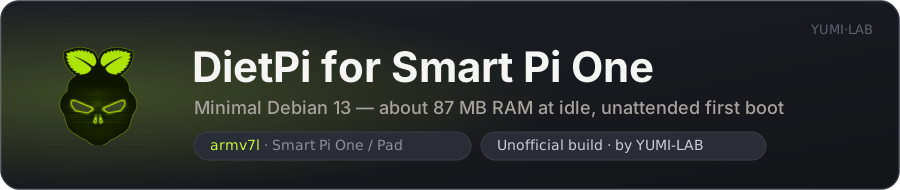
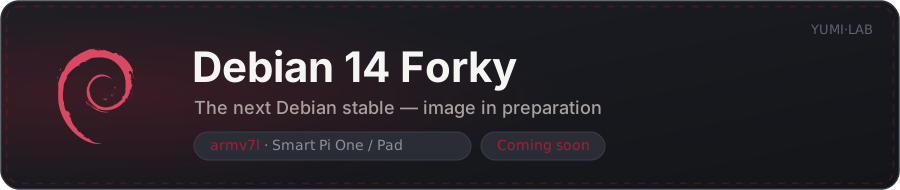
Debian 14 Forky is the next Debian release. A preview image is available now as a release candidate — see Which one should I choose?.
2. At a glance
Server images
Headless, driven over SSH. Memory read on a Smart Pi One (960 MB total) minutes after boot, nothing installed.
| Image | Base | RAM at idle | Available | Best for |
|---|---|---|---|---|
 Debian 13 Trixie Debian 13 Trixie |
Armbian | 109 MB | 850 MB | New installations — current stable |
| Debian 12 Bookworm |
Armbian | 105 MB | 854 MB | Proven stability, wide package coverage |
 Ubuntu 24.04 Noble Ubuntu 24.04 Noble |
Armbian | 104 MB | 855 MB | Ubuntu users, abundant documentation |
| Ubuntu 22.04 Jammy |
Armbian | 77 MB | 848 MB | Existing 22.04 deployments |
| Debian 11 Bullseye |
Armbian, legacy 6.12 kernel | 86 MB | 850 MB | Legacy setups only — end of life |
| Debian 14 Forky |
Armbian, preview | 107 MB | 852 MB | Release candidate |
 DietPi DietPi |
Debian server (Trixie or Forky) | ~87 MB (vendor figure) | — | Squeezing the most out of 1 GB of RAM |
They all land between 77 and 109 MB: the choice of distribution costs nothing in memory. Anything you install comes on top.
Desktop images
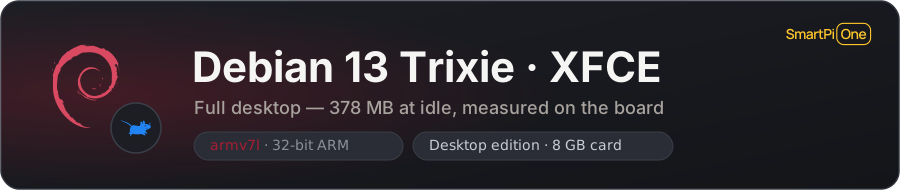
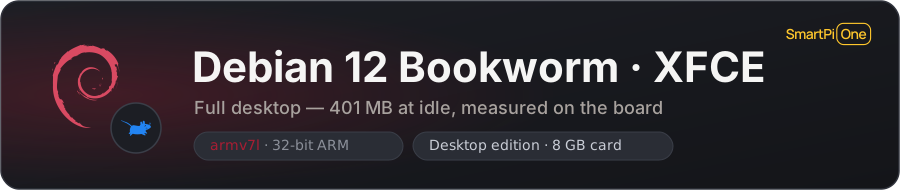
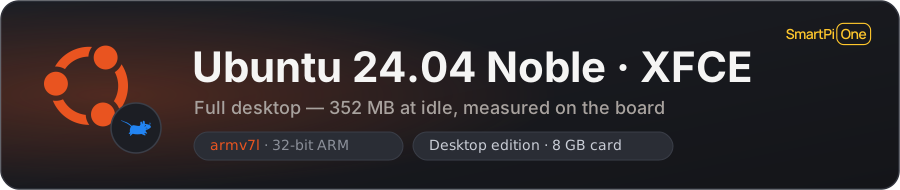
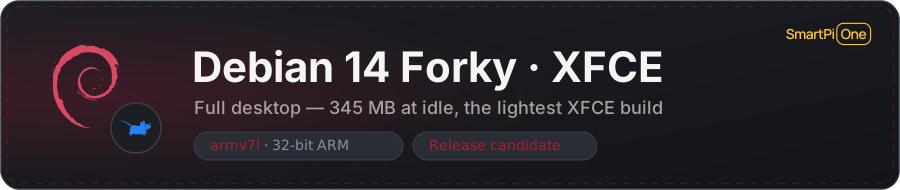
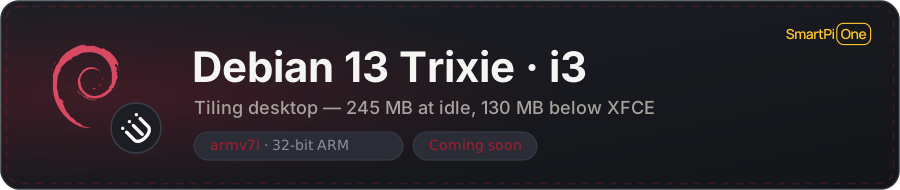
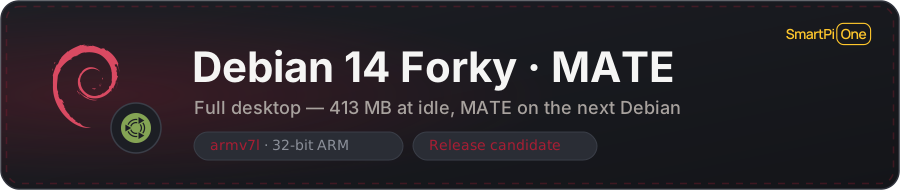
Same board, idle at the desktop with nothing open.
| Image | Interface | RAM at idle | Available | Status |
|---|---|---|---|---|
| Debian 13 Trixie |
XFCE | 378 MB | 581 MB | Published |
| Ubuntu 24.04 Noble |
XFCE | 352 MB | 607 MB | Published |
| Debian 12 Bookworm |
XFCE | 401 MB | 558 MB | Published |
| Debian 14 Forky |
XFCE | 345 MB | 614 MB | Release candidate |
| Debian 13 Trixie |
i3 (tiling) | 245 MB | 714 MB | Release candidate |
| Debian 14 Forky |
MATE | 413 MB | 547 MB | Release candidate |
A graphical session costs 250 to 300 MB — Xorg, the panel and its applets — and the tiling i3 build saves 130 MB of that. Pick a server image whenever the board does not need a screen.
What that leaves for your own work. A web browser is the heaviest thing most people run here. Measured on the i3 image with a single YouTube tab open, the board reports around 320 MB still available with Chromium, and around 210 MB with Firefox ESR. One desktop plus one browser tab fits; two or three tabs do not. If the memory is meant for your own services, run a server image and connect over SSH — that keeps roughly 850 MB free.
3. What every YUMI image includes
These are ours, not stock Armbian or stock DietPi. Whichever you pick, you get:
| Feature | Detail |
|---|---|
| Optional CPU overclock | Stock frequency is up to 1296 MHz with the adaptive governor; sudo smartpi-oc on switches to a fixed 1368 MHz, smartpi-oc off reverts, smartpi-oc status shows the current state — see below |
| Custom U-Boot | DRAM at 576 MHz with ZQ calibration and ODT |
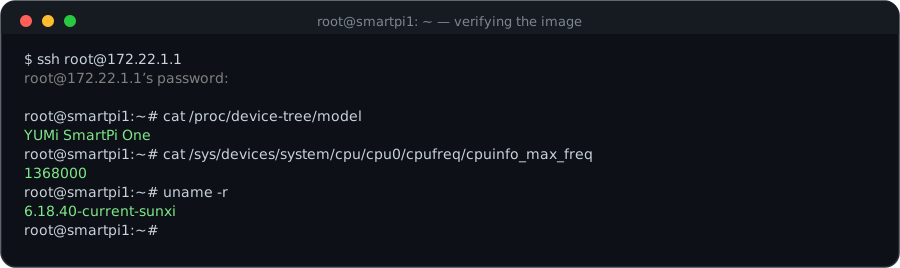
| Device tree | YUMi SmartPi One — cat /proc/device-tree/model |
| Smart Pad screen rotation | The 4.3" 800x480 touchscreen is detected at boot and the display rotated 180° only then; an HDMI monitor is left alone |
| Any screen up to 4K UHD | Output is fixed at 1280x720@60 on the kernel command line, which every screen from the SmartPad panel to a 4K monitor accepts and upscales. Remove video=HDMI-A-1:1280x720@60 from /boot/armbianEnv.txt for the native resolution instead |
| WiFi ready | WiFi tools are preinstalled — configure a USB adapter with nmtui / armbian-config (dietpi-config on DietPi) |
| SSH over USB | The OTG port powers the board and carries the network — see below |
| Kernel packages held | apt-mark hold on every linux-* package, so no upgrade can replace the custom kernel with a generic one; matching linux-image/linux-headers/linux-dtb/linux-u-boot .deb files are attached to every release for DKMS builds |
One image for both boards
The Smart Pad is a Smart Pi One fitted with the 4.3" touchscreen, mounted upside-down. Since the rotation is decided at runtime, a single image serves both products.
4. SSH over USB (OTG port)
A single USB cable between the board's OTG port and your computer powers the Smart Pi One and gives it a network link. No Ethernet, no WiFi, no screen.
The board answers at 172.22.1.1. Set your computer's new USB network interface to 172.22.1.2 / 255.255.255.0, then:
The gadget uses CDC NCM, recognised natively by macOS, Linux and Windows — no driver to install.
Unplugging the cable cuts the power
The cable is the power supply as well as the network link. And a computer's USB port may not deliver enough current for a sustained workload with the overclock enabled — use a dedicated 5 V / 2 A supply for that.
5. Optional CPU overclock
Every image ships at the stock frequency — up to 1296 MHz with the adaptive governor. A switch enables a fixed 1368 MHz:
sudo smartpi-oc on       # enable 1368 MHz, then reboot
sudo smartpi-oc off      # back to stock, then reboot
sudo smartpi-oc status   # current state
After enabling and rebooting, smartpi-oc status reports current max: 1368000 kHz. The CPU then sits at that frequency instead of hopping between speeds. A heatsink with an active fan is recommended for sustained workloads — the thermal throttle kicks in at 85°C.
6. Which one should I choose?
- Debian 13 Trixie — the default choice for a new board. Current Debian stable — server, XFCE desktop, or the lighter i3 desktop.
- Debian 12 Bookworm — when you want the most conservative, most widely tested option.
- Ubuntu 24.04 Noble — if you already work with Ubuntu and want its documentation and PPAs.
- DietPi — when RAM is what you are short of. About 87 MB at idle against roughly 105 MB for an Armbian server image, in a system trimmed to the essentials, with a menu-driven software catalog. Headless only, and currently a release candidate.
- Ubuntu 22.04 Jammy / Debian 11 Bullseye — only to match an existing deployment. Bullseye is end of life.
- Debian 14 Forky — a preview of the next Debian release, server or desktop (XFCE or MATE). Available as a release candidate — pick it for testing, not for a board you depend on.
7. Purpose-built images
Beyond the general-purpose systems above, YUMI-LAB also ships images built around a single application:
- YumiOS — Klipper — 3D printer control, the system running on the Klipper Smart Pad
- RetroMi — retro gaming, an optimised RetroPie for the H3, 100+ emulator cores
- Batocera — retro gaming, 117 systems and RetroAchievements, atomic updates
8. Next step
Once you have picked an image, write it to a microSD card (4 to 32 GB). The simplest route is Raspberry Pi Imager pointed at our image list — it downloads, verifies and writes in one step:
Install with Raspberry Pi Imager Download the images Flash guide — balenaEtcher
Then verify the board is running the YUMI build: