Adxl calibration
1. Prerequisites
2. Starting the Calibration
- Connect the ADXL to the smartpad
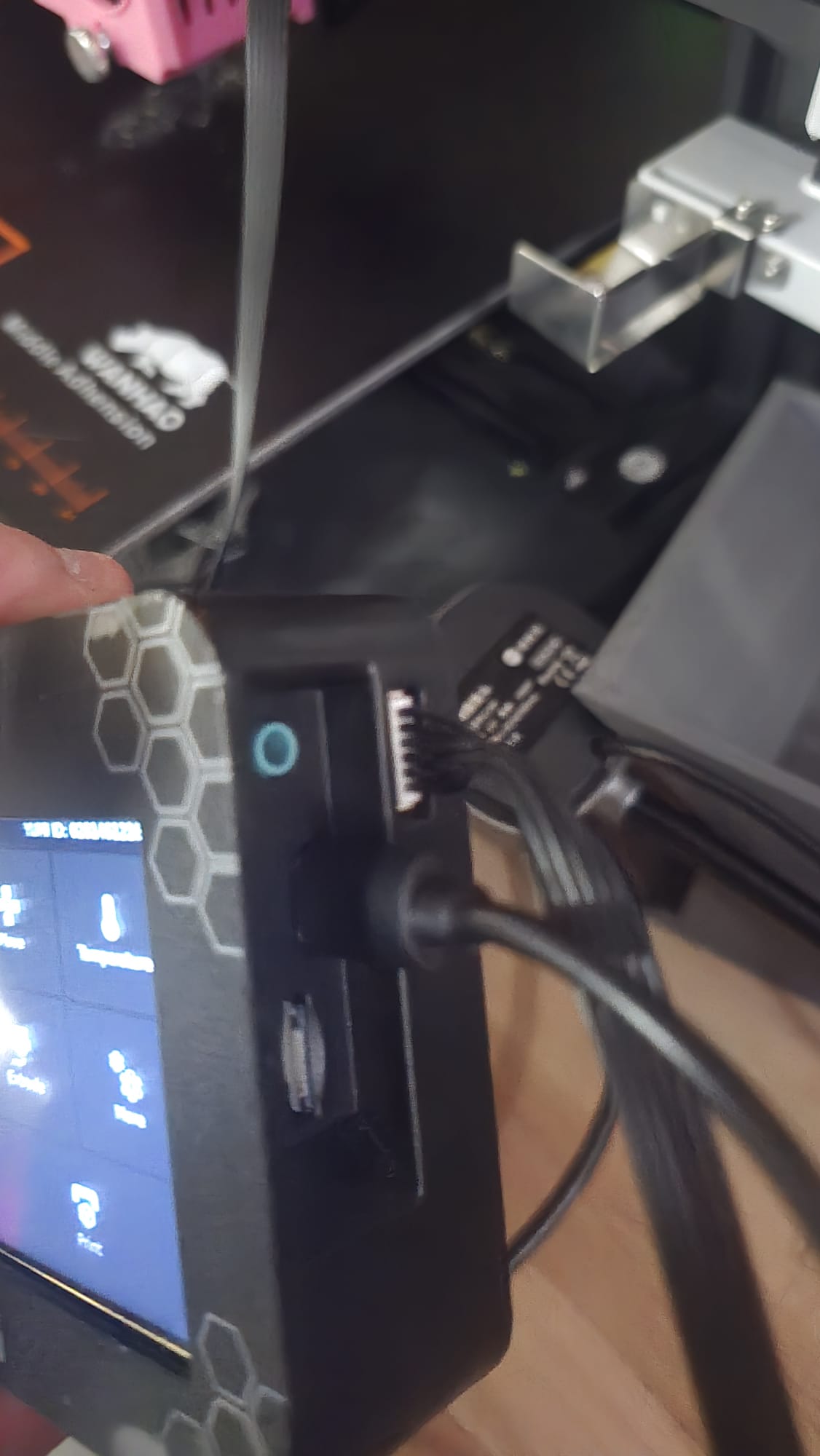
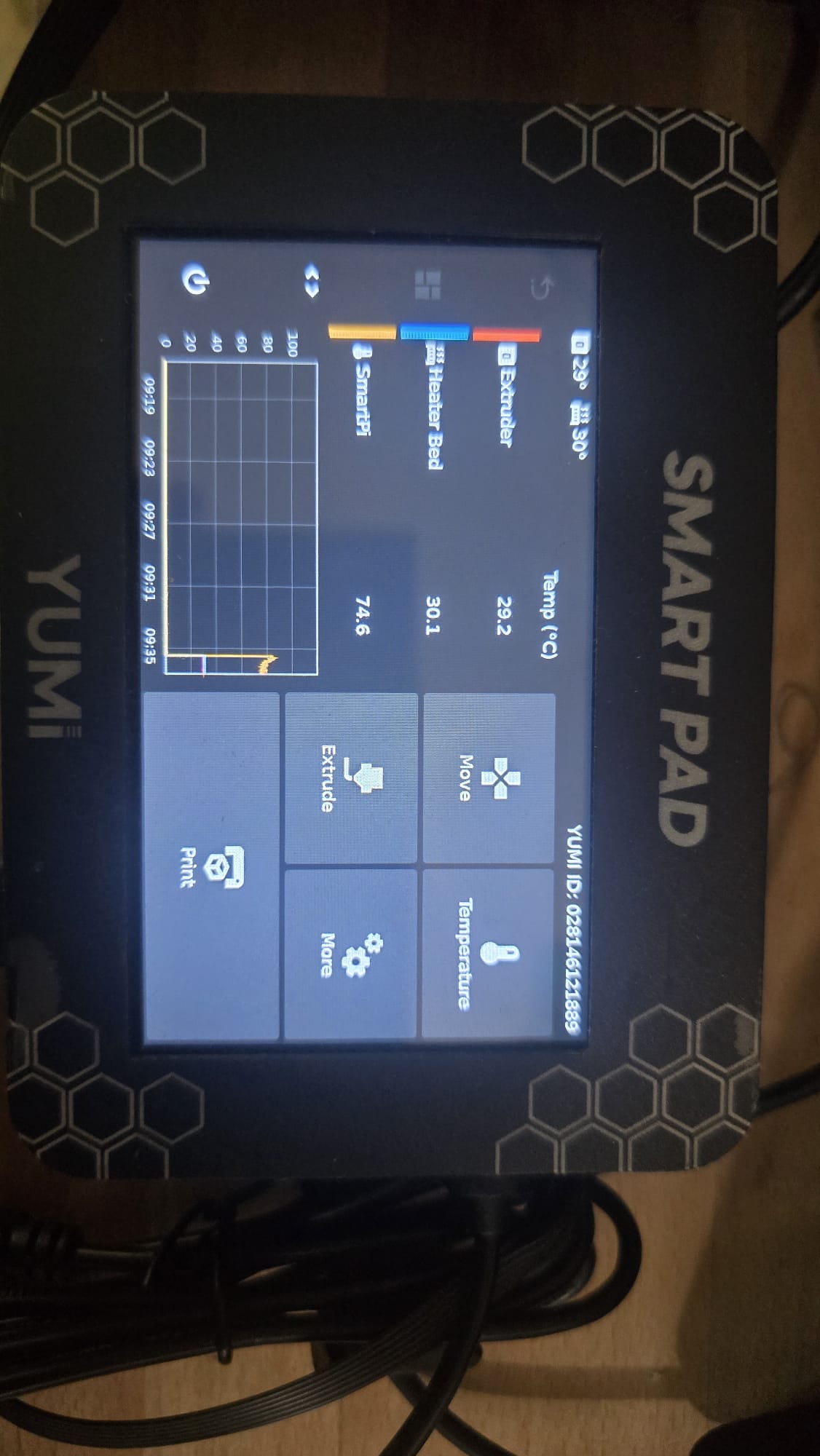
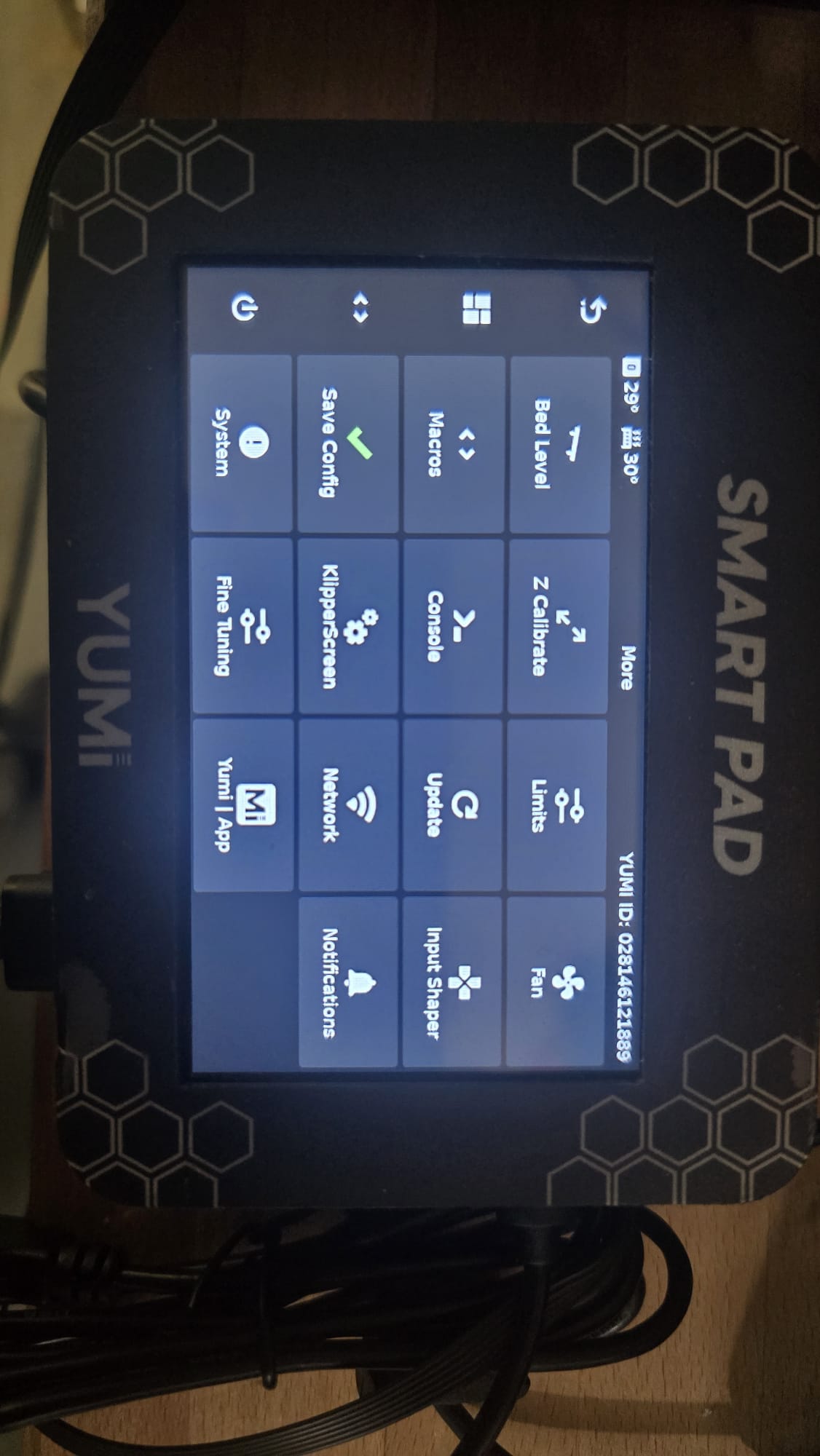
- On the Smartpad, go to the More menu
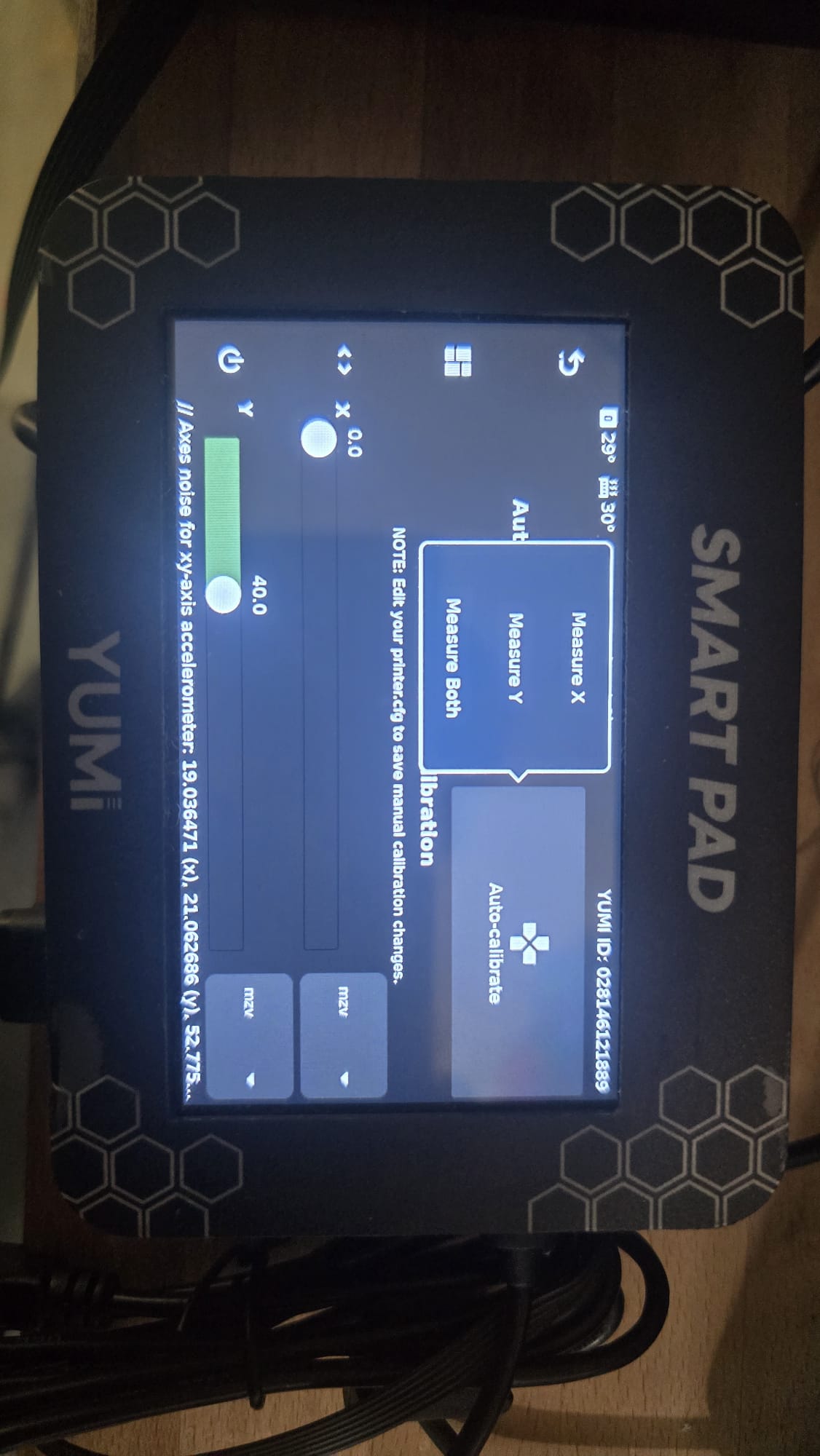
- Select Input Shaper
- Wait for the Smartpad to detect the ADXL (about 5–10 seconds)
- Select Auto-Calibrate
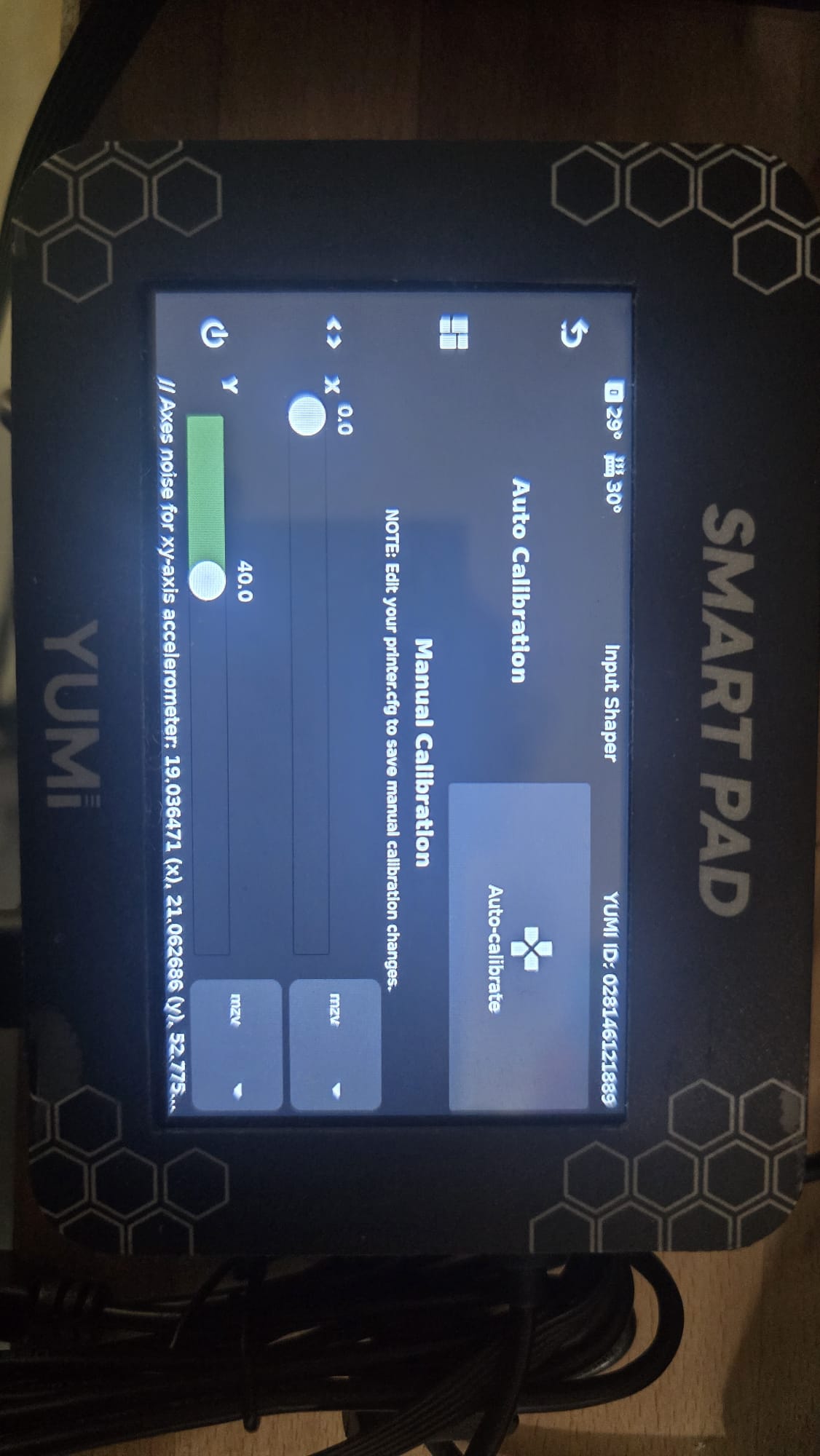
- Choose the axis to measure (X or Y)
3. ADXL Positioning
4. Measuring the X-axis
- Mount the ADXL on the X-axis as shown in the reference photo (using a screw).
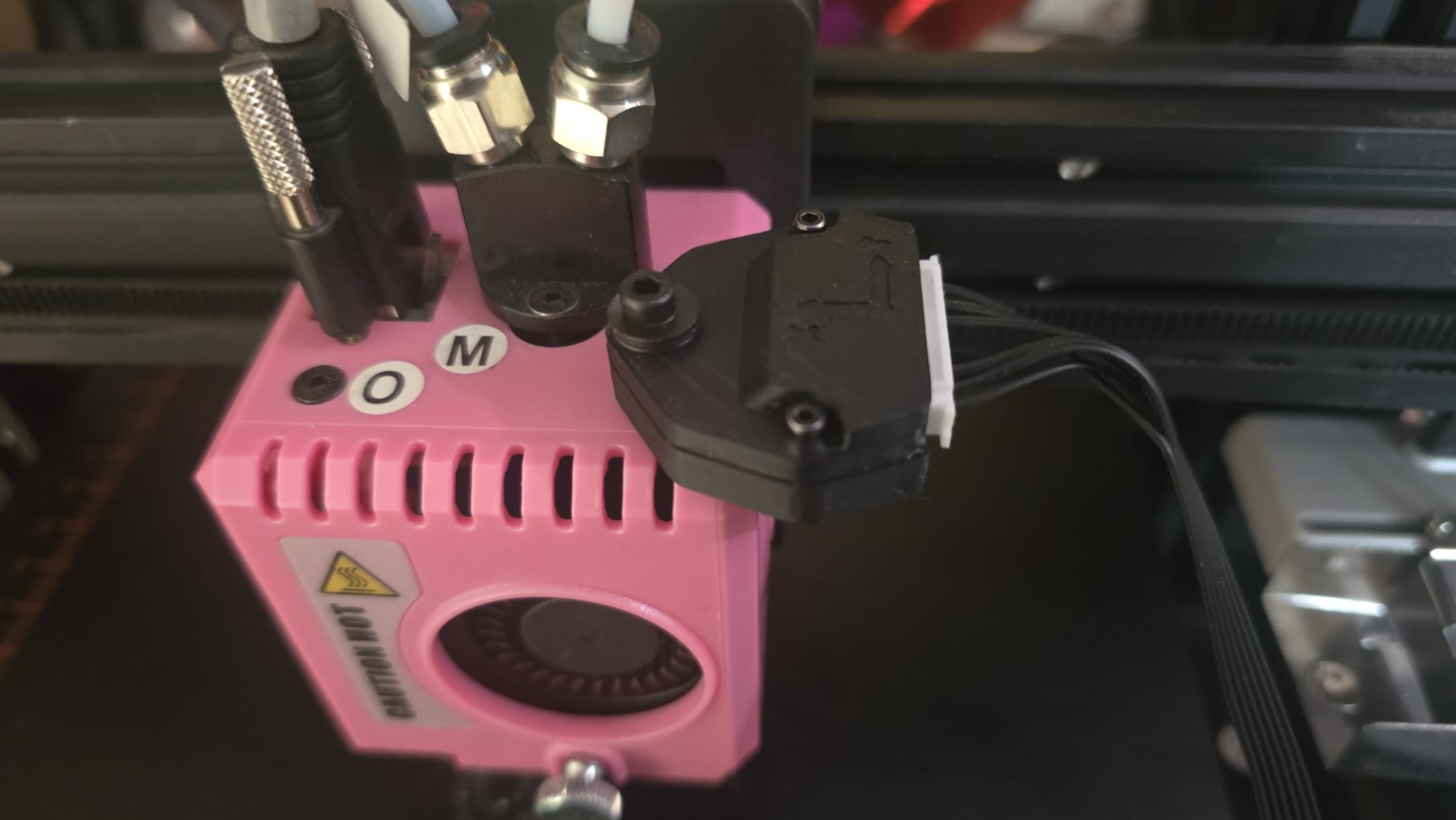
- Start the measurement for the X-axis
- Once complete, save your values
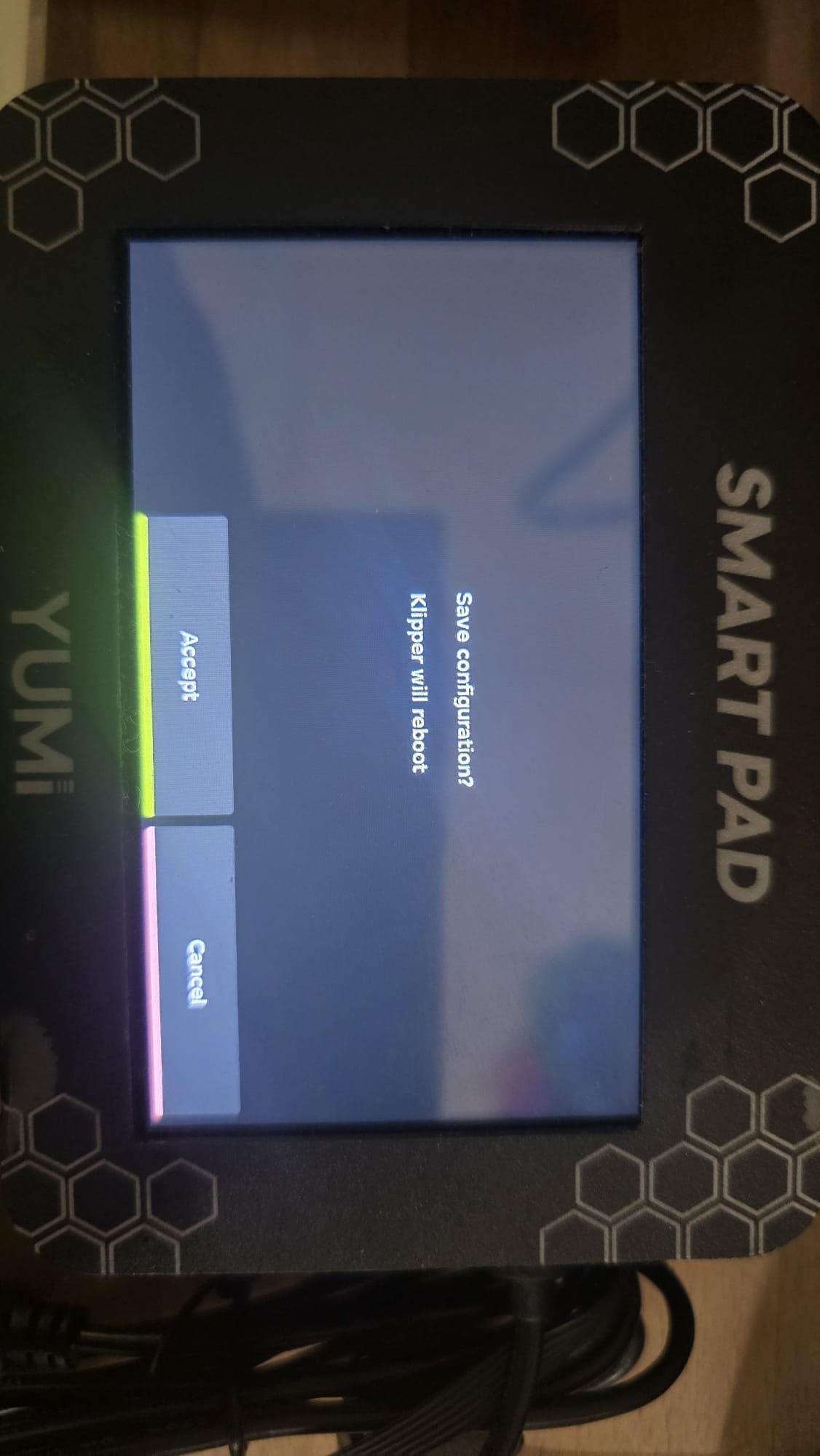
- The X-axis is now configured
5. Measuring the Y-axis
- You can use this STL file to mount the ADXL on the bed:
ADXL Clamp Mount - Makerworld - Install the mount as shown in the reference photo
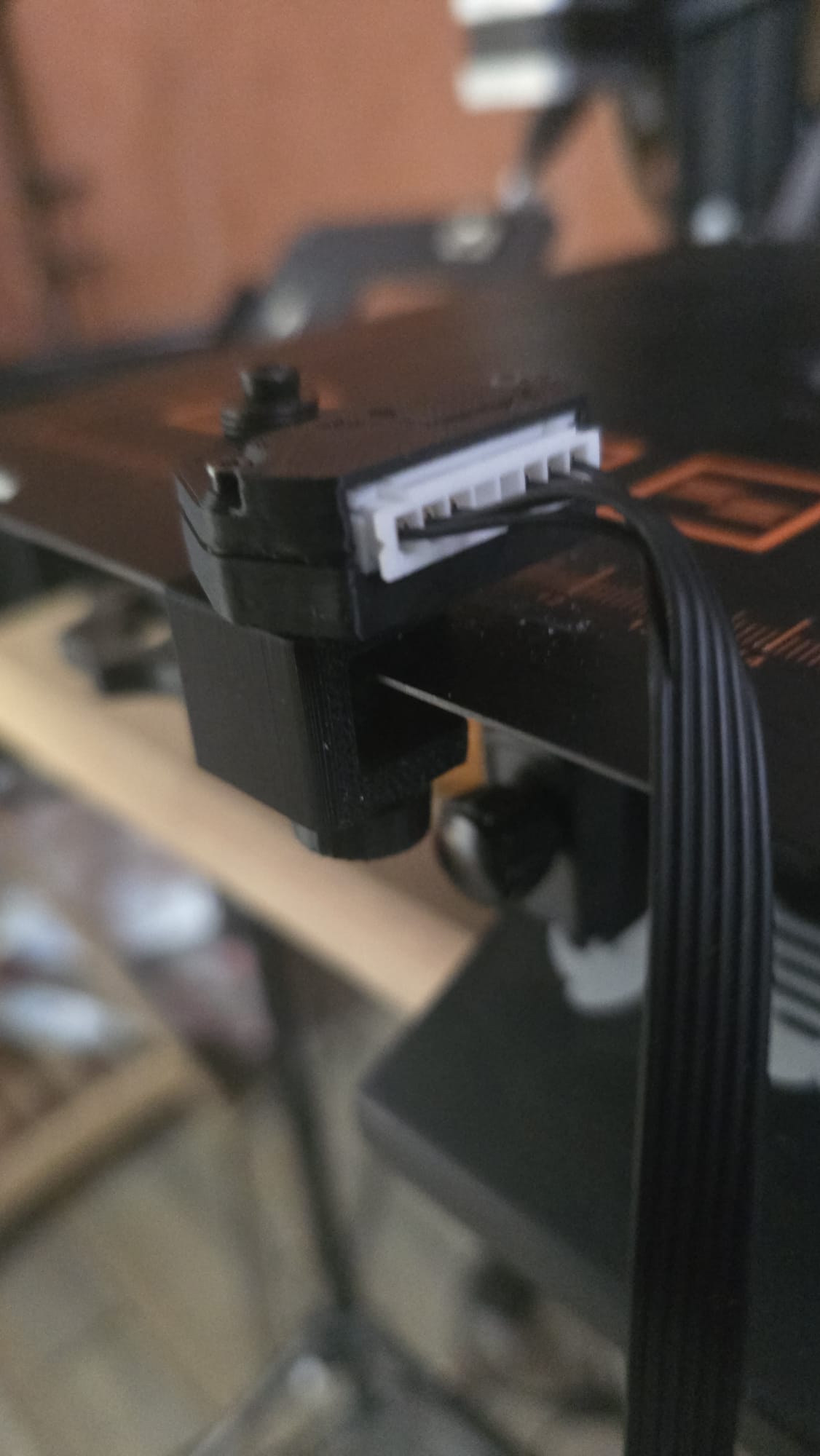
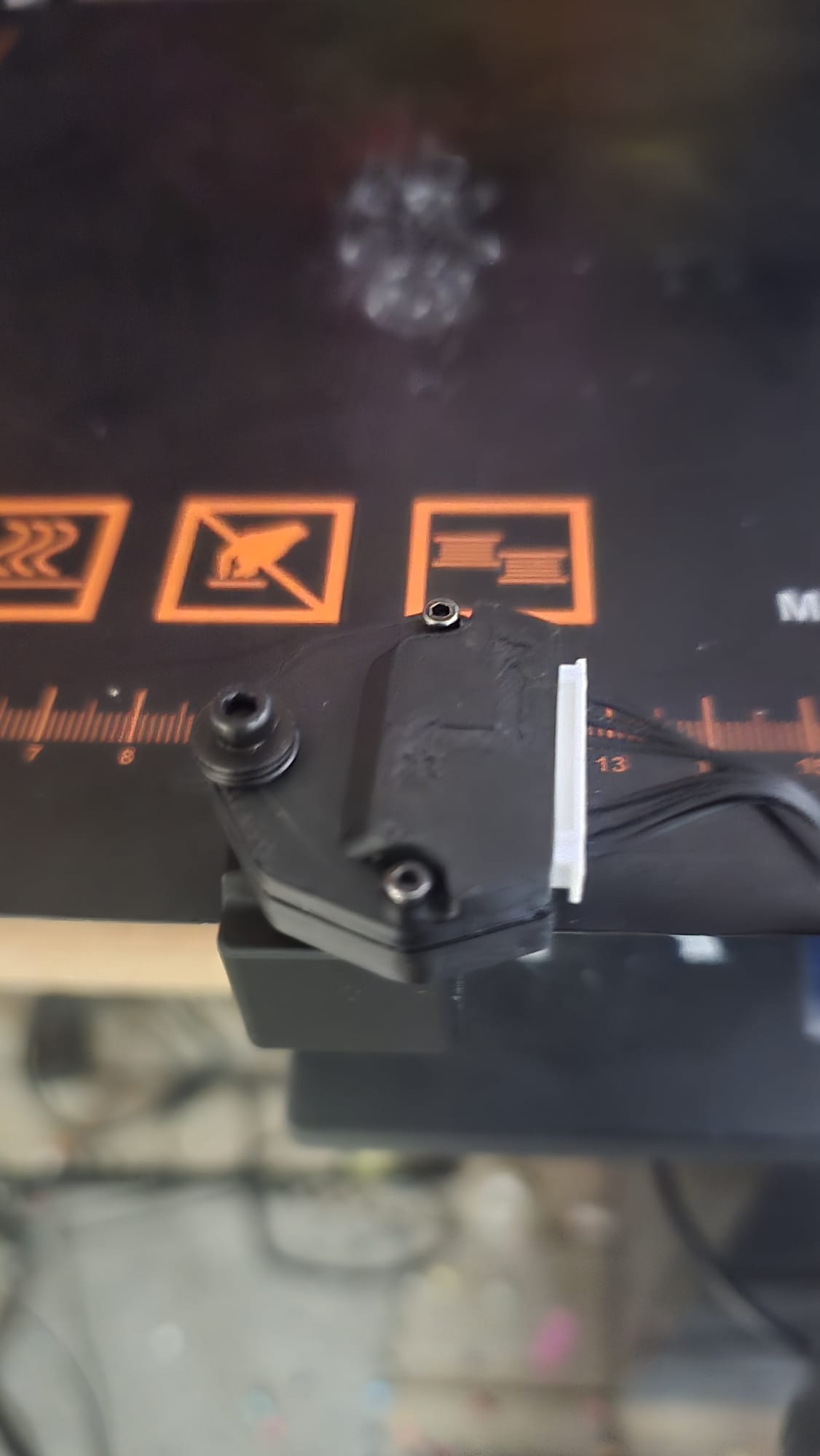
- Start the measurement for the Y-axis
- Once complete, save your values
- The Y-axis is now configured
Tip
Always ensure the ADXL wiring is secure before running measurements to avoid incorrect readings.