Plex Server

Plex is a client-server multimedia management program that lets you access movies, TV series, music and photos on the server wherever you are, as long as you have an Internet connection. It consists of two parts
-
The Plex server, which can be installed on Windows, MacOS, Linux, FreeBSD and network storage servers. It contains and organizes files, and manages client connections.
-
The client receives content from the server via a web browser (via the Internet site) or an application for mobiles, televisions or home cinemas.
A paying offer called "Plex Pass" is available, offering more metadata on music, offline synchronization for mobile devices, use of online storage providers (this option has been dropped), multi-user mode, parental control, access to high-quality trailers and partner promotions. This offer is available for monthly (€4.99), annual (€39.99) or one-off (€119.99) billing.
1. Prerequisites
-Installing a smartpi, LINUX BOOKWORM SERVER is recommanded. (https://wiki.yumi-lab.com/SmartPI/SmartPi_Linux/)
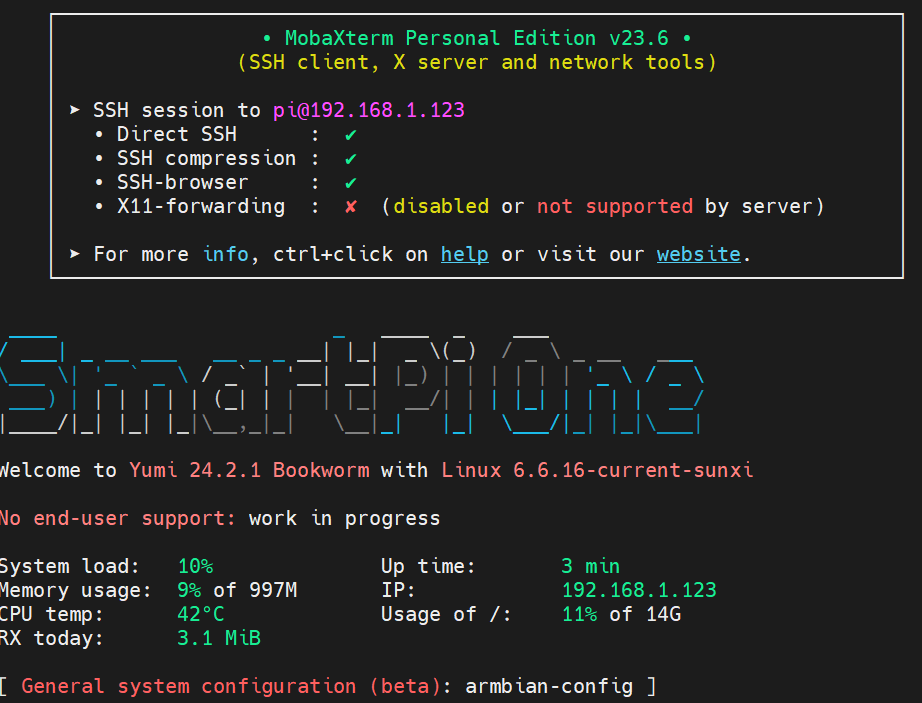
Connect to the smartpi via ssh with mobaxterm or putty, for example.
2. Update the smartpi
3. Install
Download the latest Plex Media Server package for Linux ARMv7 (armhf) from the official Plex download page: https://www.plex.tv/media-server-downloads/#plex-media-server (choose your distribution: Linux, then ARMv7).
Then install the downloaded package (replace the filename with the one you downloaded):
4. connection to web interface
http://Your_IP_Address:32400/web
You'll see the plex interface. All you have to do now is configure it.
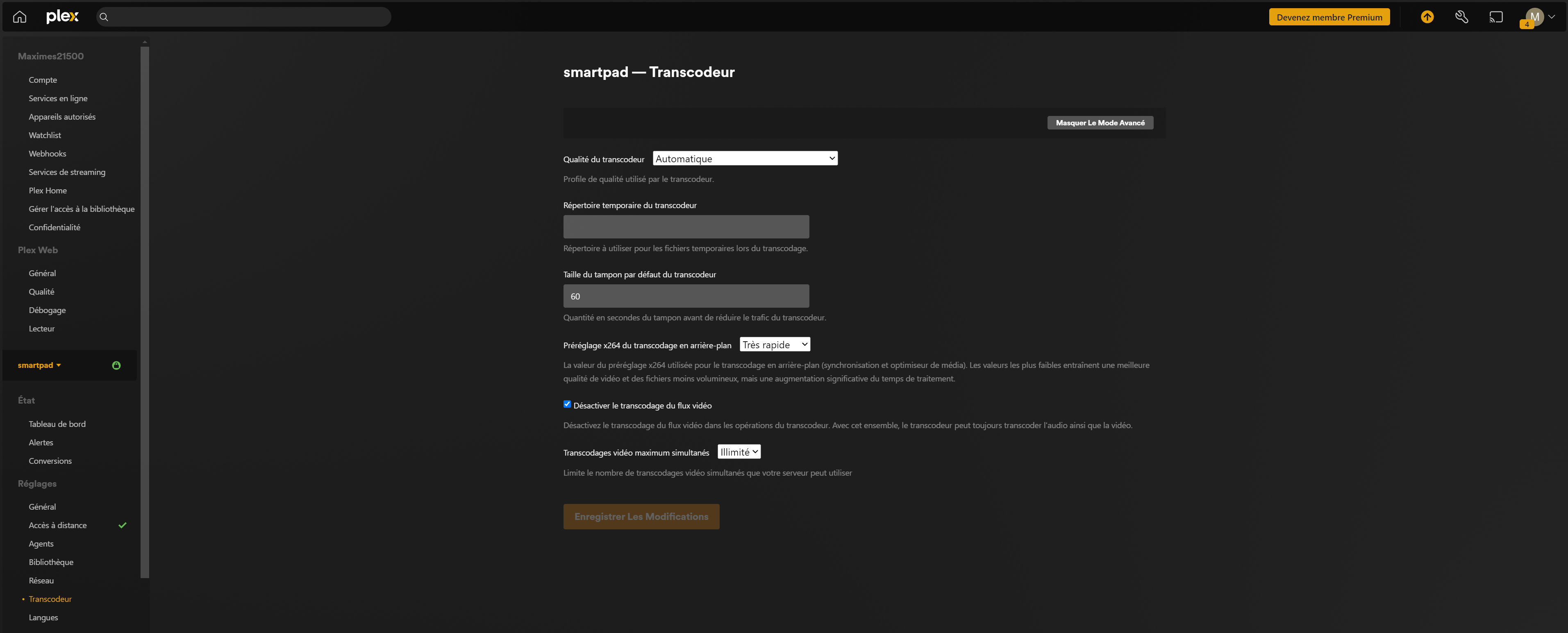
5. Disable transoding
You need to let your client, like a TV or PC, decode your video stream. To do this, go to settings (top right wheel).
Activate the advanced menu and go to transcoder and check the box Deactivate transcoding of video stream.